TechSupper · Enterprise AI Track
25-Hour AI Productivity Program
Enable professionals to use enterprise AI as a practical work partner — for research,
document work, analysis, multi-step task delegation, reusable workflows, automation and
creation of business deliverables — while maintaining appropriate human review and governance.
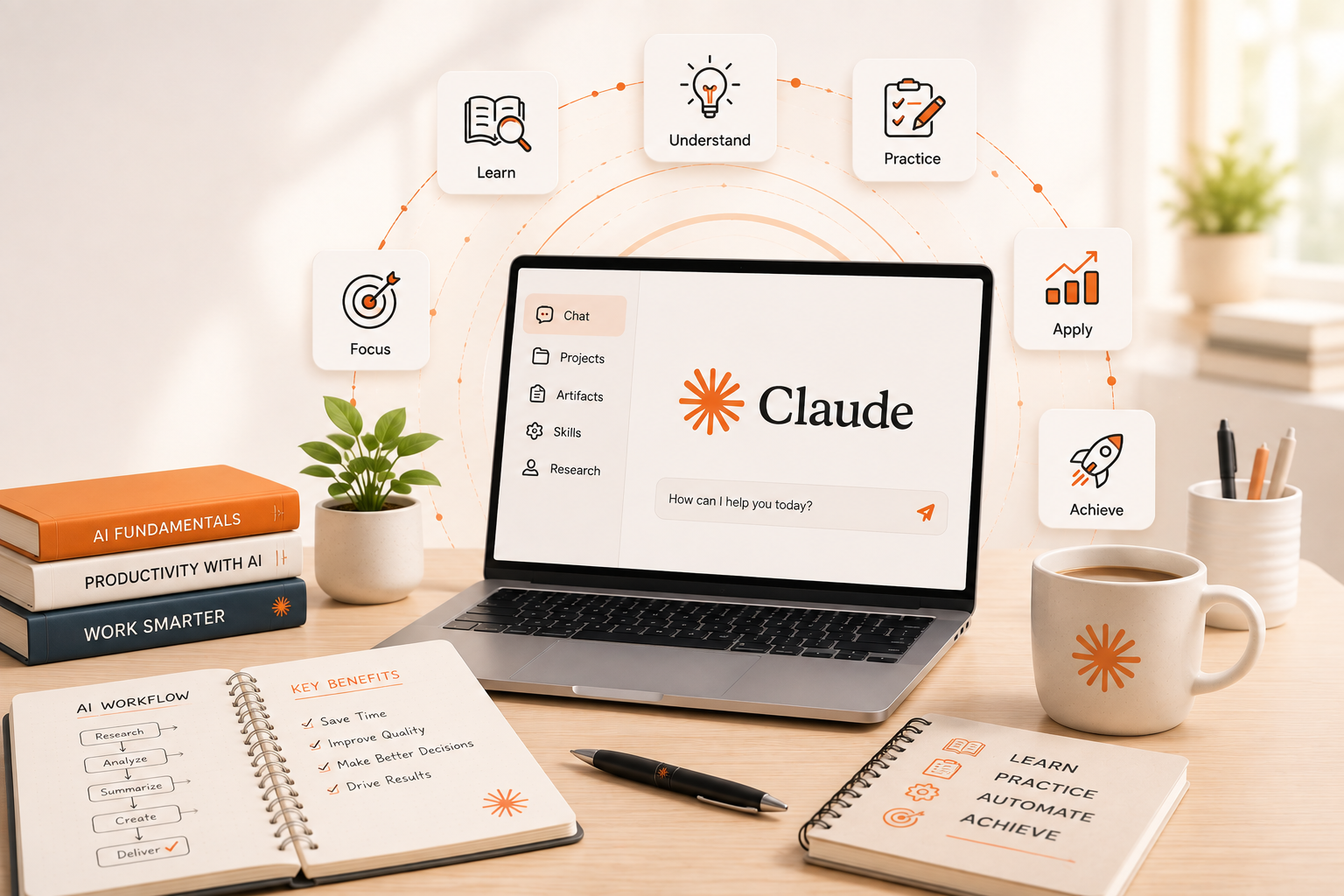
Program Overview
This 25-hour program is designed for corporate functional teams who want to move beyond basic AI prompting and use modern AI tools to complete real business work. The curriculum focuses primarily on the Claude ecosystem — Claude, Projects, Research, Claude Cowork, Skills and Claude Code — with complementary coverage of ChatGPT Work and Codex.
Use-Case Driven & Functional
Claude + ChatGPT + Codex
25-Hour Curriculum at a Glance
| # | Module Focus | Hours |
|---|---|---|
| 1 | Generative AI & Claude for the Modern Workplace | 1.5 |
| 2 | Advanced Prompting & Context Engineering | 2.0 |
| 3 | Claude for Documents, Research, Projects & Knowledge Work | 2.5 |
| 4 | Claude for Functional Departments | 2.5 |
| 5 | Claude Cowork Foundations | 2.0 |
| 6 | Cowork: Skills, Connectors, Plugins & Workflow Design | 2.5 |
| 7 | Cowork Multi-Step Functional Automation | 2.5 |
| 8 | Claude Code for Functional Professionals | 3.0 |
| 9 | ChatGPT & Work Mode | 2.0 |
| 10 | Codex for Functional Teams | 1.5 |
| 11 | Enterprise AI Governance, Security & Responsible Usage | 1.0 |
| 12 | Functional AI Capstone | 2.0 |
| Total Program Duration | 25.0 | |
Program Schedule
Start Date
03rd October
Session Timing
7:30 PM – 10:00 PM IST
9:00 AM – 11:30 AM EST
Delivery Days
Weekends
Program Goals
- Build confidence in using AI for day-to-day corporate work, not only content generation
- Structure context, instructions, examples and constraints for reliable outputs
- Enable multi-step work delegation using Claude Cowork and ChatGPT Work
- Introduce reusable Skills, Projects, connectors and workflow patterns
- Enable non-developers to use Claude Code and Codex for automation
- Establish safe data handling, verification and approval practices
Learning Philosophy
Who Should Attend
Business & Functional Teams
HR & L&D, Finance, Operations, Sales, Marketing, Procurement, PMO and Customer Support.
Analysts & Managers
Business Analysts, Managers and other functional professionals across departments.
Specialist Roles
Technical team members, Chartered Accountants (CA), and Lawyers.
Participant Prerequisites
- Laptop with stable internet connection
- Access to the organization-approved Claude and/or ChatGPT environment
- Sample non-sensitive departmental documents or training datasets for exercises
- Required Cowork, Claude Code, Work Mode, Codex, connector or plugin access enabled where applicable
- No programming background required for functional participants
Detailed Module Curriculum
Module 1Generative AI & Claude for the Modern Workplace
1.5 HRS
- Evolution from traditional automation to Generative AI
- LLMs explained for business users
- Chatbots vs AI assistants vs AI agents
- Introduction to agentic AI and delegated work
- Human + AI collaboration model
- Claude Chat, Claude Projects, Research, Artifacts, Skills, Claude Cowork, Claude Code
- Where AI adds value in functional teams
- Tasks suited for AI vs tasks requiring human judgement
- Examples from different LOBs
Practical ExerciseConvert one recurring departmental task into an AI-assisted workflow.
Module 2Advanced Prompting & Context Engineering
2.0 HRS
- Role + Goal + Context + Constraints + Output
- Zero-shot and example-based prompting
- Prompt chaining and iterative refinement
- Structured outputs: tables, summaries, executive formats
- Providing business context and source material
- Using examples and reference documents
- Large-document prompting
- Reusable prompt templates and department instructions
- Reducing hallucinations
- Asking AI to critique and verify
- Source checking and evidence-based outputs
- Creating repeatable review checkpoints
Practical ExerciseBuild a reusable departmental prompt library for research, analysis, communication, reports and decision support.
Module 3Claude for Documents, Research, Projects & Knowledge Work
2.5 HRS
- Creating Projects and adding project knowledge
- Project instructions and reusable context
- Department knowledge bases
- Working with PDFs, Word documents, spreadsheets/CSV and presentations
- Summarization, extraction, comparison and synthesis
- Turning source material into structured business deliverables
- Business, competitor, market and policy research
- Comparing multiple sources and verifying claims
- Creating structured reports, tables, interactive content and simple business artifacts
Practical ExerciseCreate a Claude Project for a functional department using sample policies, reports or business documents.
Module 4Claude for Functional Departments
2.5 HRS
- Job descriptions, resume comparison and interview frameworks
- Onboarding plans, training plans and assessments
- Policy drafting and employee communication
- Account research, meeting preparation and proposal drafts
- Customer summaries and follow-up communication
- Campaign ideation, personas, competitor analysis and content briefs
- SOP generation and process documentation
- Vendor comparison, risk identification and root-cause analysis
- Variance explanations, management summaries and scenario analysis
- Meeting-to-action trackers
- Weekly status reports and RAID logs
- Executive summaries, decision memos and management briefings
Practical ExerciseParticipants select one use case from their department and build a complete input-to-output workflow.
Module 5Claude Cowork Foundations
2.0 HRS
- What Claude Cowork is
- Chat vs Cowork: prompting vs delegating
- Task planning and multi-step execution
- Working folders, local files and connected context
- Reviewing work and intervening when required
- Define the outcome
- Provide context and source material
- Set constraints and expected deliverables
- Allow the agent to plan and execute
- Review, correct and approve
Practical ExerciseDelegate a multi-file business task that produces an executive summary, action tracker and management-ready output.
Module 6Cowork: Skills, Connectors, Plugins & Workflow Design
2.5 HRS
- Understanding connected applications and data sources
- Using documents, email, calendars, cloud storage and business systems subject to permissions
- Choosing the minimum access required for a task
- What a reusable Skill/workflow contains
- Standard instructions, inputs, rules and outputs
- Designing repeatable department processes
- Global vs project-specific instructions
- Concept of plugins and tool extension
- Department-specific capabilities and standardization across teams
- Human approval points within reusable workflows
Practical ExerciseDesign one reusable departmental Skill, such as a weekly management report, candidate review pack or vendor evaluation workflow.
Module 7Cowork Multi-Step Functional Automation
2.5 HRS
- Gather updates → analyze → prioritize → summarize → create management deliverable
- Transcript → decisions → tasks → owners → deadlines → risks → follow-up communication
- Business requirement → research → source comparison → analysis → executive report → presentation outline
- Role information → 30/60/90-day plan → training program → manager checklist → employee communication
- Vendor documents → requirement extraction → comparison matrix → risks → recommendation → management summary
Practical ExerciseTeams create and run one multi-step functional automation from start to management-ready deliverable.
Module 8Claude Code for Functional Professionals
3.0 HRS
- What Claude Code is; difference between Claude Chat, Cowork and Claude Code
- Working with folders and files, giving natural-language instructions
- Reviewing files created or modified by the agent; safe review before execution
- Combine monthly CSV files and create summaries
- Process employee training files and create completion reports
- Consolidate weekly operations reports
- Compare budget vs actual data and generate variance commentary
- Batch rename, organize or transform business files
- File converters, data-cleaning utilities, report generators
- Simple dashboards, internal forms and calculators, search/lookup tools
- Understanding errors in plain language; asking Claude to fix generated solutions
- Testing on sample data; validating outputs before production use
- Why generated code should never be executed blindly
Practical ExerciseEach participant or team creates one small functional automation relevant to their department.
Module 9ChatGPT & Work Mode
2.0 HRS
- Research and analysis; working with business files
- Structured reports and decision support; Projects and persistent context
- Chat vs Work; delegating longer assignments
- Combining files, research and analysis
- Creating finished reports, spreadsheets, presentations and other deliverables
- Reviewing progress and steering the work; human approval before actions
- Previous report + spreadsheet data + meeting notes + current updates → KPI summary + findings + risks + recommendations + executive deliverable
Practical ExerciseRun a management-review assignment and compare the workflow with Claude Cowork.
Module 10Codex for Functional Teams
1.5 HRS
- What Codex is; Codex vs ChatGPT Work
- Natural-language instructions for technical tasks
- Working with files and existing code
- Automated report generator, Excel/CSV processing workflow
- Data-quality checker, document classification utility
- Simple internal dashboard, file organization and transformation
Practical ExerciseCreate or modify a lightweight utility through natural-language instructions and validate the output.
Module 11Enterprise AI Governance, Security & Responsible Usage
1.0 HRS
- Public vs internal vs confidential information
- Personal and customer data considerations; organizational AI policies
- Connectors, permissions and least-privilege access
- Hallucinations and source verification; bias and quality checks
- Human-in-the-loop approvals; AI-generated code risks
- Maintaining auditability; what should never be fully automated
- Classify → Delegate → Verify → Approve → Execute
Practical ExerciseClassify common departmental scenarios and identify the correct AI usage and approval path.
Module 12Functional AI Capstone
2.0 HRS
- Participants work individually or in department-based groups
- Each group identifies one genuine repetitive or high-effort business workflow and redesigns it as an AI-enabled process
- HR: Candidate info → analysis → interview pack → candidate summary → manager report
- L&D: Training requirement → research → curriculum → learning material → assessment
- Sales: Account research → opportunity analysis → meeting brief → proposal → follow-up
- Operations: Weekly files → consolidated analysis → issue ID → action tracker → report
- Marketing: Market research → competitor analysis → campaign brief → content calendar
- PMO: Project documents → status analysis → RAID log → executive summary
- Business problem, current process and proposed AI-enabled process
- Tool selection and rationale; prompt / instruction / context structure
- Automated or delegated workflow with human approval checkpoints
- Final working demonstration; expected productivity impact and risk controls
Practical ExerciseApply the complete program to redesign one real departmental workflow using an appropriate combination of AI tools, automation and human review.
Expected Learning Outcomes
- Use Claude effectively for everyday functional and knowledge work
- Design high-quality prompts and provide business context
- Work with documents, spreadsheets and larger information sets
- Create Projects and reusable instructions for departmental work
- Delegate multi-step assignments using Claude Cowork
- Design reusable Skills and standardized functional workflows
- Use Claude Code for lightweight automation, no programming required
- Use ChatGPT Work for longer multi-step business deliverables
- Understand when Codex is appropriate for technical tasks
- Select the right tool based on business task, risk and autonomy
- Apply responsible AI, verification and data-security principles
- Build at least one end-to-end AI-enabled departmental workflow
Tool Selection Framework
| Business Requirement | Recommended Approach |
|---|---|
| Quick question, writing, brainstorming | Claude Chat / ChatGPT Chat |
| Ongoing knowledge or project context | Claude Projects / ChatGPT Projects |
| Research and analysis | Claude Research / ChatGPT Work |
| Multi-file, multi-step delegated functional work | Claude Cowork |
| Reusable Claude departmental process | Claude Skills + Cowork |
| File/data automation and lightweight technical workflow | Claude Code |
| Long multi-step finished business deliverable | ChatGPT Work |
| Creating or modifying software/automation | Claude Code / Codex |
| Complex department workflow | Cowork or Work + human approval |
Outcome: From AI User to AI-Enabled Functional Professional
25 hours · 12 modules · Reusable workflows and a department-specific capstone
Enroll Now
Enter your details to register for the program.
Registration Submitted Successfully!
Thank you for registering for the Claude Training.
You’re all set!
Join our official WhatsApp community to receive your Training invite,session updates, reminders, and important announcements.